Piclines · picture to lines
A picture, ready for the laser.
Closed outlines at the size of the part, as DXF and SVG for LightBurn, Glowforge and other laser software — from a picture or a PDF.
JPG, PNG, WebP or PDF · up to 20 MB · deleted after 24 hours
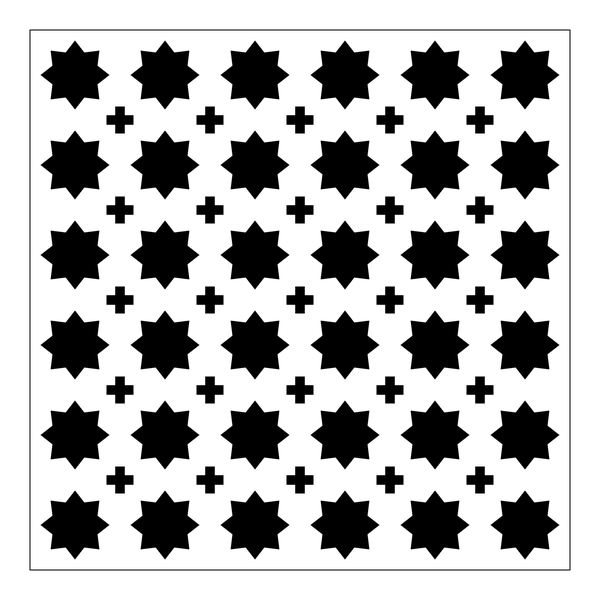
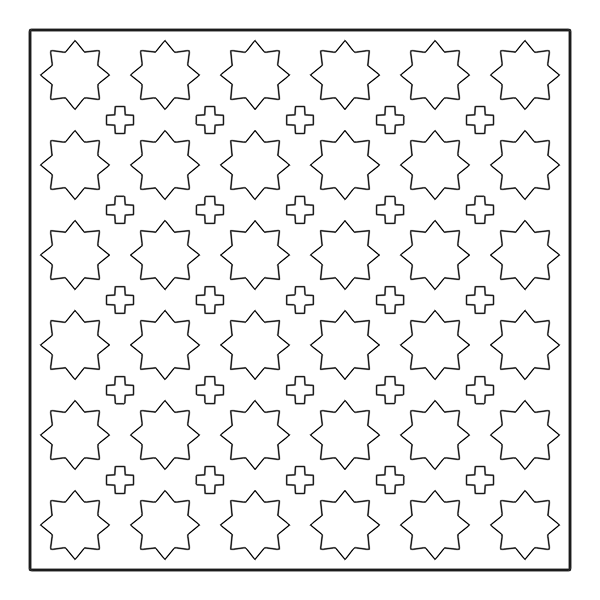
A real result: a 180 mm panel with 36 stars and 25 crosses, every one a closed outline.
Cut lines or score lines
- Outlines — each filled area becomes a closed path: parts, stencils, lettering, inlays. Choose Shape.
- Single lines — each stroke becomes one path along its middle: line art to score or engrave as a vector, so the laser draws a line once instead of going around it. Choose Drawing.
At the size of the part
Type the width the part should have, in millimetres, and the file is drawn at that size. No scaling in the laser software, no guessing at DPI.
Into your laser software
- LightBurn — File → Import, the DXF or the SVG.
- Glowforge, xTool Creative Space — the SVG.
- RDWorks, LaserGRBL and CNC programs — the DXF.
Good to know
- A coloured design can come out one layer per colour — handy to give each colour its own cut or engrave setting. Choose Colour.
- Check thin bridges and small details against your laser's kerf before cutting.
More uses