Piclines · picture to lines
Logo to DXF, ready to cut.
Even a small, blurry logo copied from a website comes out as clean, closed outlines — for your laser, CNC router or vinyl plotter.
JPG, PNG, WebP or PDF · up to 20 MB · deleted after 24 hours
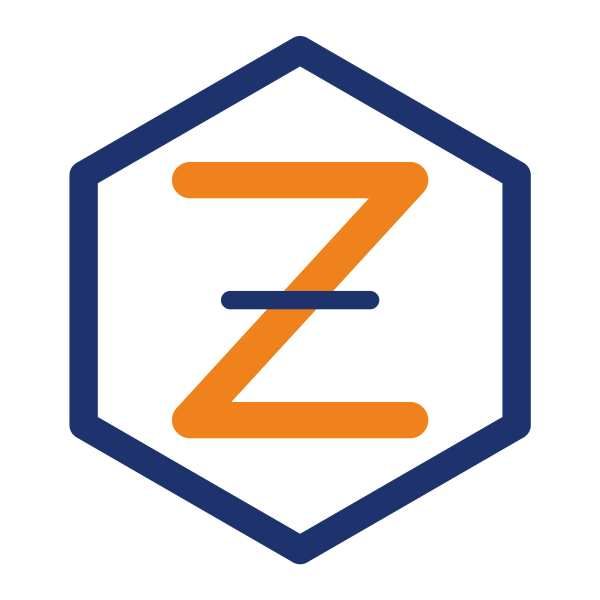
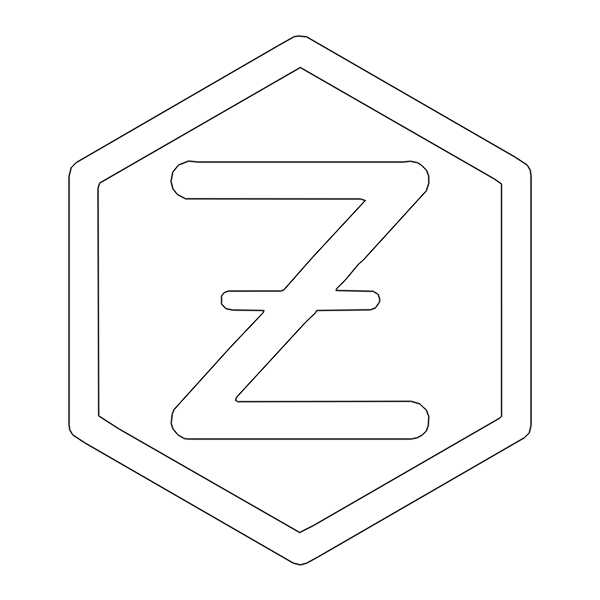
A real result: a 600-pixel JPEG of a made-up logo, saved at low quality, traced as Shape.
Outlines that close
A laser or a cutter follows outlines. Choose Shape, and every filled area of your logo becomes one closed polyline, its holes too — the inside of an O, the counter of an A. Smooth curves stay smooth; straight edges get few points.
The size of the part
Type the width the logo should have on the material, in millimetres. The file is drawn at that size, so it lands on your laser's bed as it is.
For your program
- LightBurn, LaserGRBL, RDWorks — import the DXF or the SVG.
- Glowforge, Cricut, Silhouette — use the SVG.
- CAD programs — the DWG or the DXF.
All three come in one download.
Good to know
- Use the largest copy of the logo you have; the outline can only be as exact as the picture.
- A logo with several colours can come out one layer per colour: choose Colour.
- Only convert logos you may use.
More uses